How to Safely Update WordPress Plugins on Client Sites (The Agency Guide)
Datronix · July 2026 · 12 min read
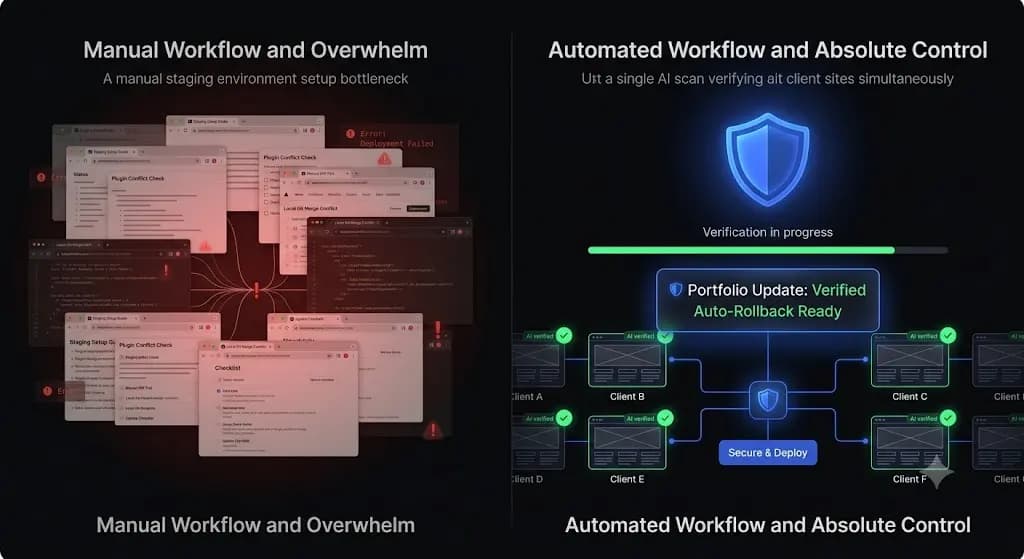
You click “Bulk Update” on your legacy management dashboard to process weekly plugin updates across 40 client sites. You head out for lunch, assuming the maintenance run was successful. Two hours later, a frantic email arrives from your highest paying e-commerce client. Their WooCommerce checkout button has completely disappeared on mobile devices.
You spend the rest of your Friday frantically rolling back databases, apologizing to the client, and calculating the unbillable hours your team just burned in triage.
If you manage a WordPress agency, updating plugins is the most dangerous recurring task you perform. According to WPScan vulnerability databases, over 90% of WordPress security flaws originate in third-party plugins. You are absolutely required to update them to keep the sites secure. But the ecosystem is notoriously fragile. A single conflicting CSS class update can shatter a layout and cost your client thousands of dollars in lost conversions.
If you want to manage multiple WordPress sites profitably, you cannot rely on blind updates. This guide provides the exact technical protocols agencies use to safely update client sites, the math behind manual QA testing, and how top tier agencies automate the entire process using machine vision.
Quick Answer: How to safely update WordPress plugins on client sites?
To safely update WordPress plugins on client sites, never push bulk updates directly to production. The manual method requires cloning each client site to a staging server, applying updates, and manually clicking through key pages to verify visual alignment before pushing back to live. For scalable safety, modern agencies use automated maintenance platforms like SiteOps that utilize AI visual regression testing to autonomously verify the frontend layout and instantly roll back the site if a break is detected.
The Liability of Managing Client Infrastructure
Before you can optimize your update workflow, you must understand the specific technical risks involved in managing someone else’s business critical asset. When you manage a client’s site, their downtime is your liability.
Why Do Client Sites Break During Updates?
WordPress is a dynamic integration of a core system, a highly customized theme, and dozens of plugins written by different developers. When you update a plugin, you are altering that integration.
- PHP Syntax Conflicts: If a plugin developer updates their software to require PHP 8.2, but your client’s specific server is still running PHP 7.4, the code will fail. This immediately triggers a fatal error, resulting in a blank white screen.
- DOM and CSS Layout Shifts: This is the most common and insidious failure. An optimization plugin updates and aggressively defers a critical JavaScript file, breaking the mobile navigation menu. The server still responds perfectly, but the site is unusable. Standard ping monitors will never detect this silent failure.
- Database Schema Migrations: Major version updates (especially for complex plugins like WooCommerce or membership tools) often alter how data is stored. If the update script times out on cheap shared hosting, the database tables become misaligned, breaking core functionality.
The Strict Manual Staging Protocol
If you are managing a few critical, high revenue enterprise clients and refuse to use automation, you must execute the manual staging protocol. This is the only way to guarantee safe WordPress updates without specialized software.
Step 1: Secure the Pre-Flight Backup
Never rely solely on the hosting provider’s automated daily backups. Before touching any plugin, trigger a manual, full backup of the client’s database and files. Ensure this archive is pushed to an off-site cloud storage vault. If the server crashes during the staging push, you must control the recovery data.
Step 2: The Staging Environment Push
You must isolate the update process from the live production traffic.
- Push the live database and files to your dedicated staging URL.
- Ensure the staging site is strictly hidden from search engines (using a password block or a strict
robots.txtrule) to prevent duplicate content penalties. - Log into the staging
wp-admindashboard.
Step 3: Incremental Execution
Do not click “Update All” on the staging site. Bulk updating removes your ability to isolate a problem if the site crashes.
Update the plugins sequentially. Start with minor utility plugins, move to optimization tools, update the core theme, and finish with major operational plugins like WooCommerce or LearnDash. Clear the staging cache after every significant update.
Step 4: Manual Quality Assurance (QA)
This is where you act as a human tester. You must manually verify the integrity of the Document Object Model (DOM).
- Load the homepage on desktop and mobile. Check for CSS shifts.
- Test all primary conversion points. Submit a test contact form to ensure the API is firing.
- If it is an e-commerce client, add an item to the cart and proceed completely through the checkout flow.
Step 5: The Production Push
Once the staging site passes all visual and functional tests, you can push the staging environment back to the live server (overwriting the live site), or log into the live production site and confidently replicate the exact sequence of updates you just verified.
The Profitability Crisis: Why Manual QA Fails Agencies
The manual staging protocol is safe. But if you run an agency, it is a catastrophic operational bottleneck.
If you charge $150 a month for a maintenance retainer, you must strictly control your overhead.
- Pushing to staging: 5 minutes.
- Executing incremental updates: 5 minutes.
- Manual visual QA testing: 15 minutes.
- Pushing back to production: 5 minutes.
That is 30 minutes of highly focused, unbillable labor per client, per week. If you manage 40 client sites, you are burning 20 hours a week just verifying that plugin updates did not shatter a CSS grid. Your senior developers are acting as human click testers.
The hidden cost of broken WordPress updates is not just the downtime; it is the unbillable labor required to prevent it. Manual QA testing places a hard mathematical ceiling on your Monthly Recurring Revenue (MRR). You cannot scale if every new client requires human verification.
The Illusion of Legacy “Safe Updates”
Many agencies attempt to speed up this process by using legacy management dashboards that advertise “Safe Update” features.
Tools like ManageWP popularized this approach. When you click their safe update button, the system pushes the plugin update and sends an HTTP ping to the server. If the server responds with a 200 OK status code, the dashboard gives you a green checkmark indicating the update was a success.
In 2026, an HTTP 200 code only means the server is turned on. It does not verify if your client’s mobile navigation menu is completely broken. It does not verify if a JavaScript conflict hid a primary call to action. A plugin update can cause catastrophic visual damage to your client’s frontend, and standard legacy tools will still tell you everything is perfectly fine.
This is a massive liability. If you use a tool that relies on server pings instead of visual validation, you are providing a false sense of security to your clients.
The Modern Standard: Autonomous Visual Verification
To scale a maintenance portfolio profitably, you must replace human QA testers with machine vision.
Top tier agencies have moved beyond manual staging and legacy HTTP ping bots. They automate WordPress maintenance for multiple sites by shifting to intelligent, autonomous platforms.
Visual Regression Testing Explained
The only way to guarantee safety without human intervention is visual regression testing. This treats the website exactly like a human visitor would, but with pixel perfect accuracy.
- Instead of just pinging a server, the system spins up a headless browser.
- It visits the live production site and takes a pixel perfect snapshot of the DOM and high resolution screenshots of key pages.
- It applies the plugin updates and autonomously clears the caching layers.
- It takes a second set of screenshots.
- Artificial intelligence overlays the images. It easily differentiates between expected dynamic content (like a new blog post) and a fatal layout break (like a shattered CSS grid).
Autonomous Auto-Rollbacks
Visual regression is powerful, but detecting a broken site does not save you time if you still have to manually log in via FTP to fix it at 2:00 AM.
True automation requires active remediation. When a modern system detects a layout break during an update, it instantly halts the process. Within seconds, it queries your backup vault and triggers an autonomous auto-rollback. The database and files are restored to their exact pre-update state before the client or their customers ever see the error.
How SiteOps Secures Agency Retainers
When you build a business on WordPress maintenance retainers, your management software dictates your profit margin and your operational liability.
SiteOps replaces the anxiety of blind updates with the absolute certainty of AI verification. It is the premier ManageWP alternative because it fundamentally redesigns the agency workflow by introducing an autonomous AI operational layer.
When you trigger a bulk update across your client portfolio via SiteOps, you stop acting as a manual QA tester. The platform spins up headless browsers for every site simultaneously, executes the visual regression testing, and autonomously reverts any update that causes visual variance.
By pairing this automated visual safety with native 5-minute WordPress uptime monitoring and proactive 4-level deep security scanning, SiteOps handles the heavy lifting natively. It then synthesizes all this data into AI-generated executive summaries, creating the perfect white-label WordPress maintenance reports to prove your value to your clients.
SiteOps also operates on a flat rate Agency Plan. Whether you manage 40 sites or 400 sites, your software overhead remains exactly the same, allowing you to retain 100% of the profit margin on every new client you acquire.
Stop letting manual staging tests and the fear of broken updates bottleneck your agency growth. You can scale your recurring revenue infinitely when your software handles the verification work for you.
Automate your entire portfolio safely today. SiteOps is free for 3 sites, no credit card required.
Frequently Asked Questions
How do I safely update WordPress plugins on a client site? Never push bulk updates blindly to a live production site. You must either clone the site to a staging environment to manually click through and test the updates, or use a modern automated maintenance platform that utilizes AI visual regression testing and instant auto-rollbacks.
Why do client sites break after a WordPress update? Sites break during updates due to code conflicts. An updated plugin may require a newer version of PHP than the client’s server is running, it may conflict with Javascript from their specific page builder, or it may alter CSS classes that destroy the frontend layout.
What is visual regression testing in WordPress? Visual regression testing uses a headless browser to take a screenshot of a client’s site before an update, and another screenshot immediately after. AI compares the images pixel-by-pixel to automatically detect visual breaks, missing elements, or layout shifts.
Can WordPress automatically update plugins safely? Native WordPress auto-updates are highly risky for agency clients because they execute blindly. They push the new code without verifying if it broke the frontend layout or CSS. Safe automation requires a dedicated third-party tool with visual verification.
Why is an HTTP 200 check not enough for safe updates? An HTTP 200 status only means the client’s server responded to a request. A WordPress site could have a completely shattered CSS layout, a missing WooCommerce checkout button, or a broken lead form and still return a 200 OK status to a basic ping bot.
How do I safely update WooCommerce plugins for clients? WooCommerce updates are incredibly fragile as they involve complex database schema migrations. You must either manually test them rigorously on a staging environment or use an advanced platform like SiteOps that visually verifies the checkout flow and initiates an auto-rollback if it fails.
What happens if a plugin update breaks a client’s site on SiteOps? The SiteOps AI detects the visual layout break during the update process. Before the client or their customers ever see the error, the system autonomously triggers an auto-rollback, restoring the site’s database and files to their stable pre-update state in seconds.
What is the best ManageWP alternative for agencies? When seeking an alternative to legacy tools like ManageWP, agencies prioritize visual verification. Modern platforms like SiteOps use AI visual regression and instant auto-rollbacks to guarantee the client site never breaks during a bulk update.
How do you prove the value of maintenance updates to clients? Do not just send a raw PDF listing updated plugins. Use an automated reporting tool that pulls data directly from your management dashboard. Modern AI tools can translate technical data into clear, non-technical executive summaries that prove the business value of your retainer.
Does automated visual regression testing slow down client sites? No. Advanced platforms like SiteOps process the heavy lifting, like visual regression testing image rendering and AI analysis, entirely on their own cloud infrastructure. They interact with your client’s site via lightweight API calls, resulting in zero performance impact.
The Bottom Line
A broken client website is a massive liability. But a broken website caused by a plugin update you pushed blindly across your network is a failure of agency operations.
In 2026, relying on legacy bulk-update tools or burning billable hours on manual staging tests is a risk modern agencies cannot afford to take. You must verify the visual integrity of every update and guarantee that a broken layout never reaches a live production environment.
By implementing AI visual regression testing and an autonomous operational dashboard, you protect your clients’ revenue, secure your agency’s reputation, and radically preserve your profit margins.
Stop crossing your fingers every time you click update. SiteOps automates the entire workflow.
Related Posts
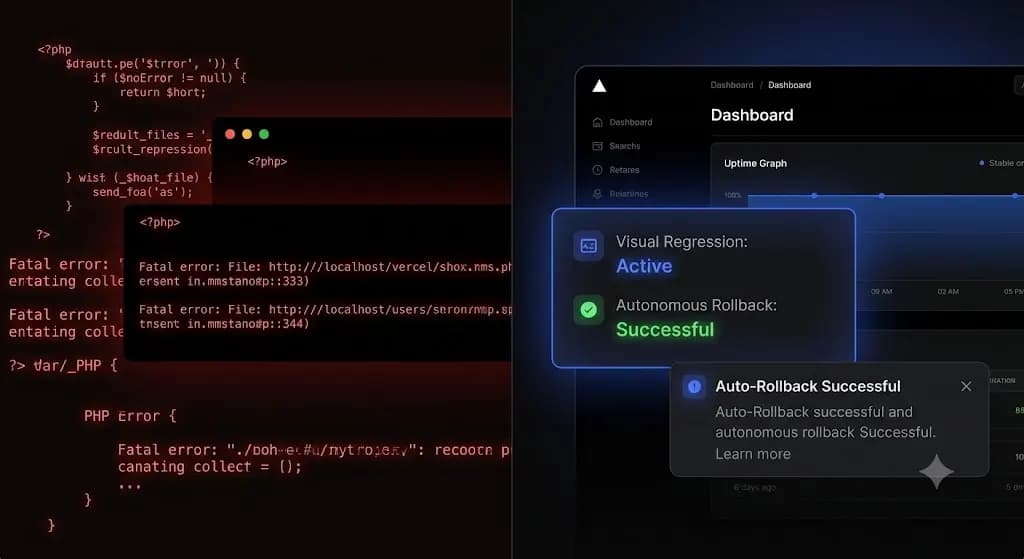
WordPress Update Broke My Site: Instant Recovery and Permanent Prevention
You click “Update All” on a client’s WooCommerce store. The page refreshes. Instead of the familiar success message, you are met with a blank white screen. The frontend is down, the backend is inaccessible, and the client’s paid traffic is currently routing to a fatal PHP error. Panic sets in immediately. You scramble to open […]
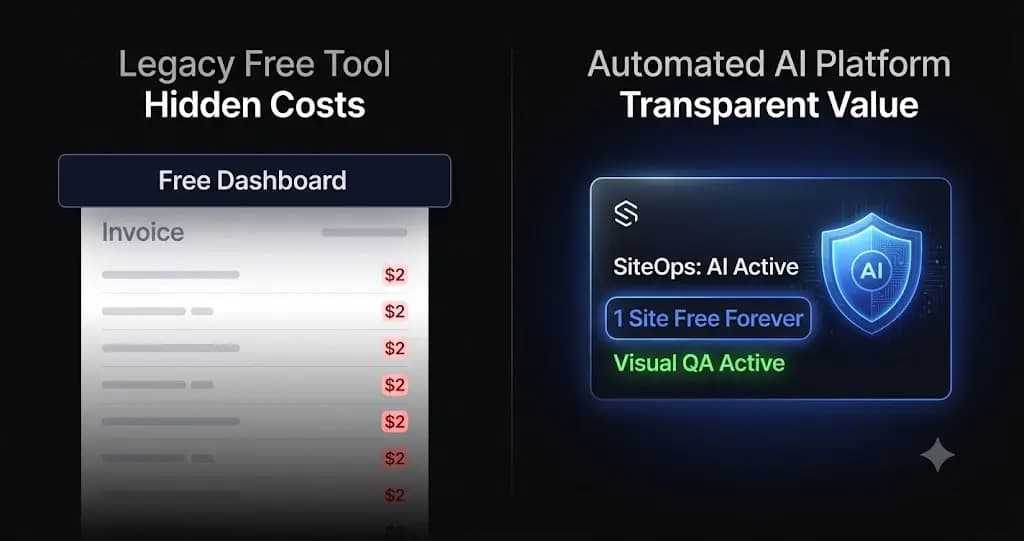
The Best Free ManageWP Alternatives in 2026 (And The Hidden Costs)
You signed up for ManageWP because the dashboard was advertised as completely free. It solved your immediate problem of logging into a dozen different admin panels. But as you transitioned from managing a few hobby blogs to running a professional agency with paying clients, you hit a wall. You realized that a monthly backup is […]